WhatsApp Customer Segmentation for B2B Lifecycle Campaigns
A lifecycle segmentation framework for B2B teams that want more relevant WhatsApp communication without treating every contact as a prospect.
B2B WhatsApp customer segmentation groups eligible contacts by business context, lifecycle stage and communication permissions. Useful segments include new enquiries, active evaluations and current customers. Add exclusions for opt-outs and unsuitable recipients before sending, then measure the outcome relevant to each segment rather than total messages sent.
Start with the next useful conversation
A tag is not a strategy. “Imported October” describes a database operation; it does not explain what the customer needs. A useful segment identifies a group that should receive a particular message for a clear reason.
For B2B teams, lifecycle stage is a practical starting point. New enquiries need orientation, active evaluations may need a specific answer, and existing customers may need service information. Do not combine them simply because they share an industry label.
Use a small segmentation model
Begin with three dimensions: lifecycle stage, expressed need and communication eligibility. Keep the definitions simple enough for sales and support to apply consistently. If people disagree on what “hot lead” means, replace it with an observable condition.
For example, “requested a product walkthrough” is clearer than “high intent.” A segment can be defined as contacts who asked for a walkthrough, have an identified business need and have permission for the intended follow-up. The specific criteria should match your operating process.
Keep eligibility separate from interest
A person can be interested in a service without having consented to recurring marketing messages. Maintain appropriate records and honour opt-outs across your workflow. An import, CRM status or past purchase is not a substitute for the permission required for your outreach.
Whatify’s published CRM features include custom attributes, tags and segmentation. The public pages do not establish a complete consent-management system. Confirm how your team will maintain and enforce eligibility in practice. Review the existing consent-records guide with your privacy adviser where needed.
Write one message objective per segment
An active evaluator may benefit from a concise answer to an unresolved question. An existing customer with a service issue should not receive a generic acquisition pitch at the same time. Coordinate campaign planning with the teams handling open conversations.
A sample evaluator follow-up is: “You asked about team inbox ownership. Here is our short setup guide. Would you like help mapping your team’s handoff?” Treat this as illustrative copy, not an approved WhatsApp template. Check the correct template and policy requirements before use.
Apply exclusions before scheduling
Exclude opt-outs, unsuitable recipients and contacts who should not receive the intended message. Consider overlapping campaigns and recent service issues. Assign an owner to review the final audience rather than letting a saved segment become a permanent permission slip.
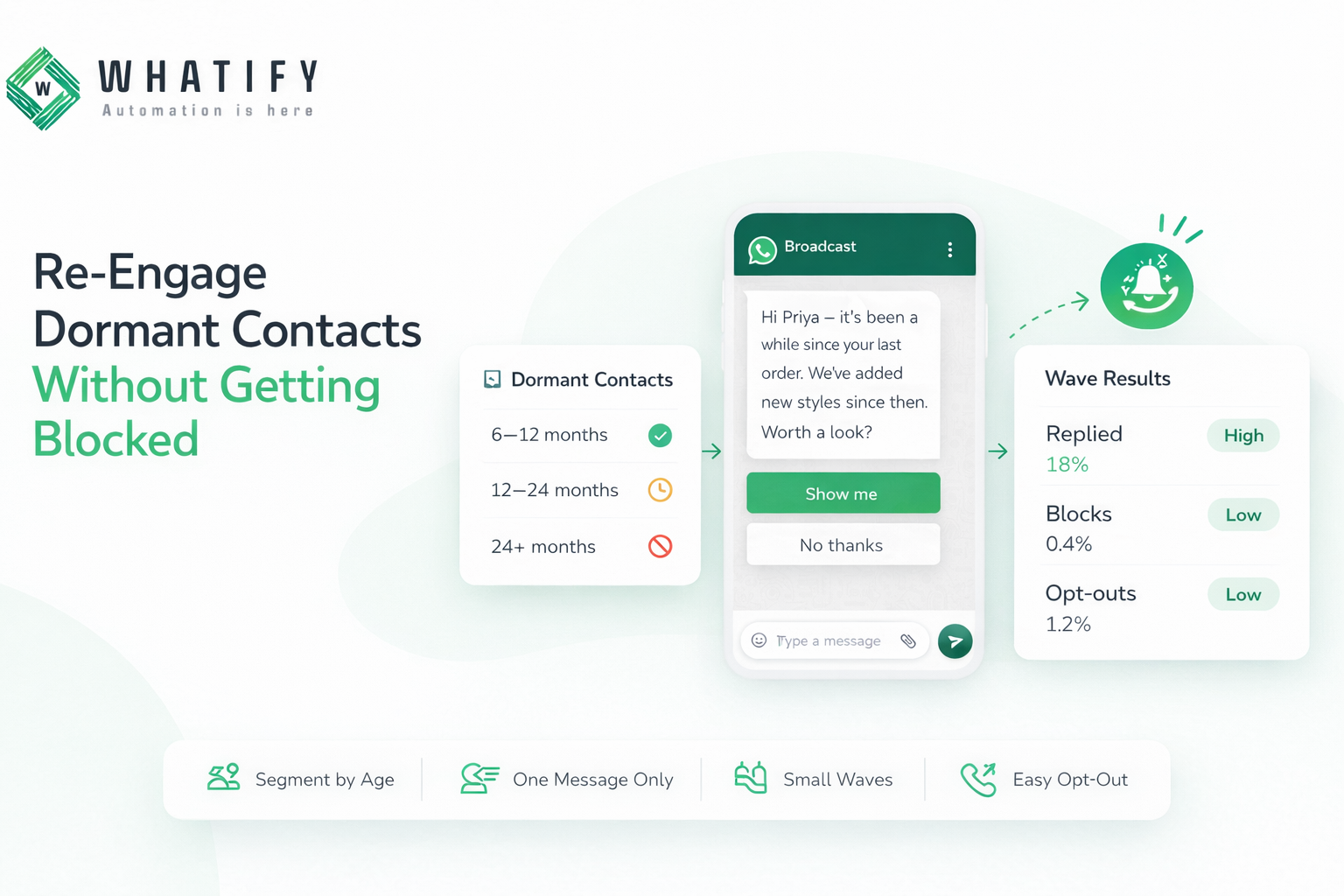
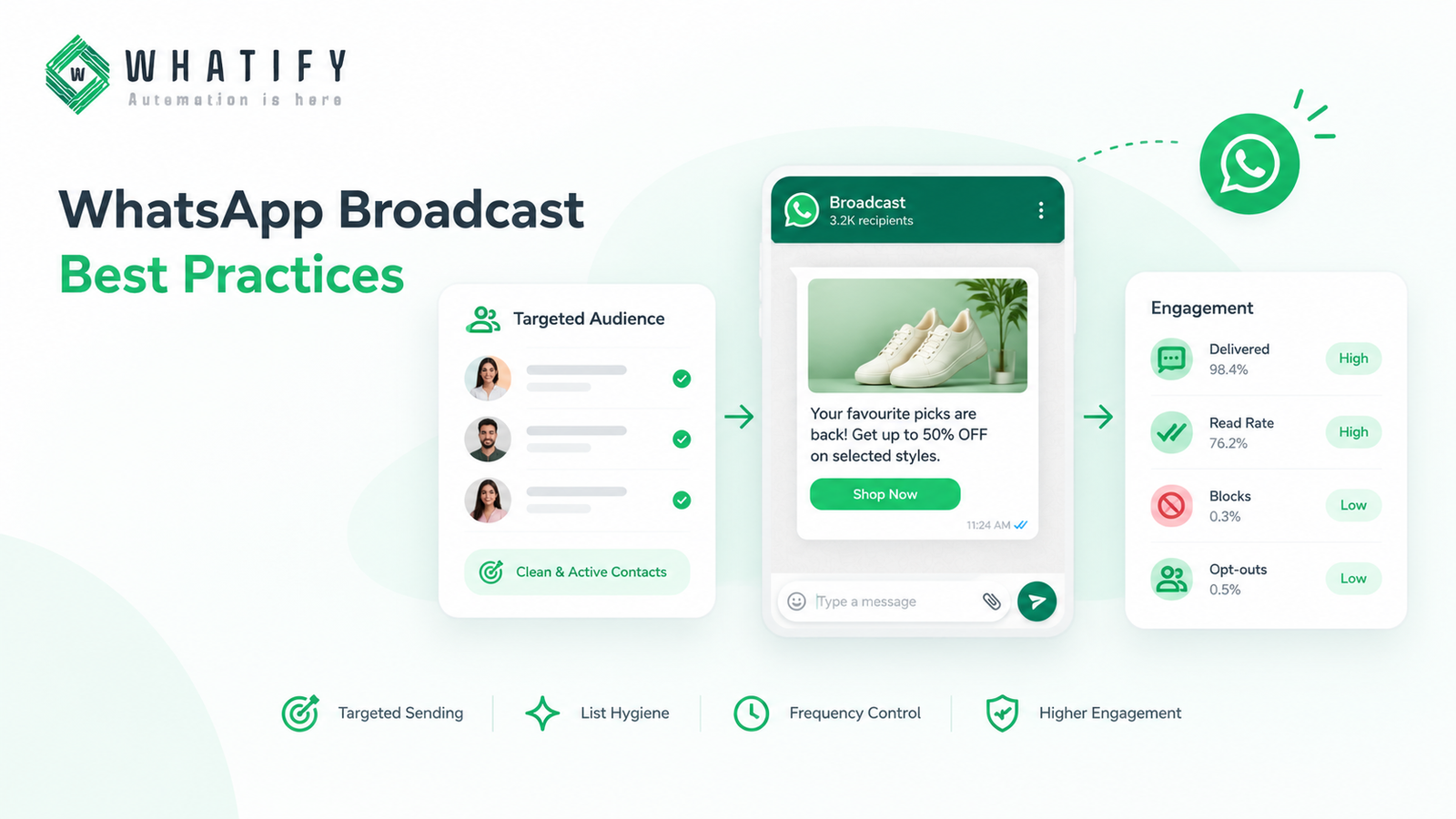
For practical send controls, use the existing broadcast best-practices guide. This article adds lifecycle design; it should not replace account-quality or policy review.
Measure the segment’s intended outcome
For enquiries, evaluate qualified conversations. For evaluations, track the agreed next sales step. For service communication, examine whether the customer’s issue was resolved. Compare results within similar groups and avoid presenting a change in audience composition as a campaign improvement.
Review segments regularly. Sales-stage changes, stale data and inconsistent tags can make a once-useful audience irrelevant. Explore Whatify’s contact and campaign features and start with two clearly defined groups before building a complicated taxonomy.
Frequently Asked Questions
It groups eligible contacts by business context, such as lifecycle stage or expressed need, so each group receives a relevant message. Communication permission must be checked separately from commercial interest.
Start with new enquiries, active evaluations and current customers. Define each group using observable criteria and create exclusions for opt-outs and other unsuitable recipients.
No. A tag can help organise contacts, but the underlying permission and required records still need to exist. Verify how eligibility is maintained and enforced in your workflow.
Use the intended outcome for that audience, such as qualified conversations or an agreed sales step. Compare similar groups and track opt-outs as a guardrail.
Ready to automate your WhatsApp marketing?
Start your 14-day free trial today. No credit card required.
Start Free Trial