WhatsApp Business API vs WhatsApp Business App: 7 Key Differences
Confused between WhatsApp Business App and API? Compare 7 key differences—cost, automation, team access, CRM, broadcasts, verification, and scalability—to choose the right solution.
WhatsApp Business API vs WhatsApp Business App: 7 Key Differences
If you run a business in India and talk to customers on WhatsApp, you've probably faced this exact question: should I stick with the free WhatsApp Business App, or move to the WhatsApp Business API?
Both carry the WhatsApp name. Both let you build a business profile and chat with customers. But underneath, they're built for completely different scales of business—and picking the wrong one either wastes money or holds your growth back.
This guide breaks down the 7 key differences between WhatsApp Business API vs WhatsApp Business App, so you can make the right call for where your business is today—and where it's headed next.
The 7 Key Differences
1. Cost Structure: Free App vs. Paid API
-
WhatsApp Business App: Completely free to download and use. There is no subscription, no per-message charge, and no hidden fees.
-
WhatsApp Business API: Uses Meta's per-message pricing model. Businesses are charged for each delivered template message based on its category (marketing, utility, or authentication) and the recipient's country. Customer service replies within the applicable free service window remain free. On top of Meta's pricing, most Business Solution Providers (BSPs) charge a monthly subscription, per-message markup, platform fee, or a combination of these—making the total cost vary significantly between providers.
-
The Flat Pricing Alternative: Whatify removes this two-layer confusion with flat wallet pricing—no per-message markup on top of Meta's rates, and no hidden per-agent charges. You see one predictable cost, not a shifting bill every campaign.
2. Team Size and Device Access
-
WhatsApp Business App: Links to a maximum of 1 to 5 devices on one number. That works for a solo owner or a tiny 2–3 person team. Beyond that, agents start getting logged out of each other, and there's no way to see who replied to which customer.
-
WhatsApp Business API: Supports unlimited agents on a single WhatsApp number, with automatic conversation assignment and shared inboxes—so your support, sales, and marketing teams can all work off the same number without stepping on each other.
3. Automation Capability
-
WhatsApp Business App: Automation stops at greeting messages, away messages, and saved quick replies. There's no way to build conditional logic, trigger actions, or connect to any external system.
-
WhatsApp Business API: Unlocks real automation: decision-tree chatbots, AI-driven conversational agents, abandoned cart reminders, appointment confirmations, and drip sequences—all running without a human touching every chat.
4. CRM and Business Tool Integration
-
WhatsApp Business App: Exists in isolation—it doesn't talk to your CRM, e-commerce store, or helpdesk.
-
WhatsApp Business API: Built to integrate. Businesses connect it to Shopify, Zoho, HubSpot, and internal support systems, so customer conversations feed directly into the tools your team already uses.
5. Broadcast and Messaging Limits
-
WhatsApp Business App: Caps broadcast messages at 256 recipients, and only to contacts who have your number saved. For a list of 5,000 customers, that means sending in over 20 separate rounds—manually.
-
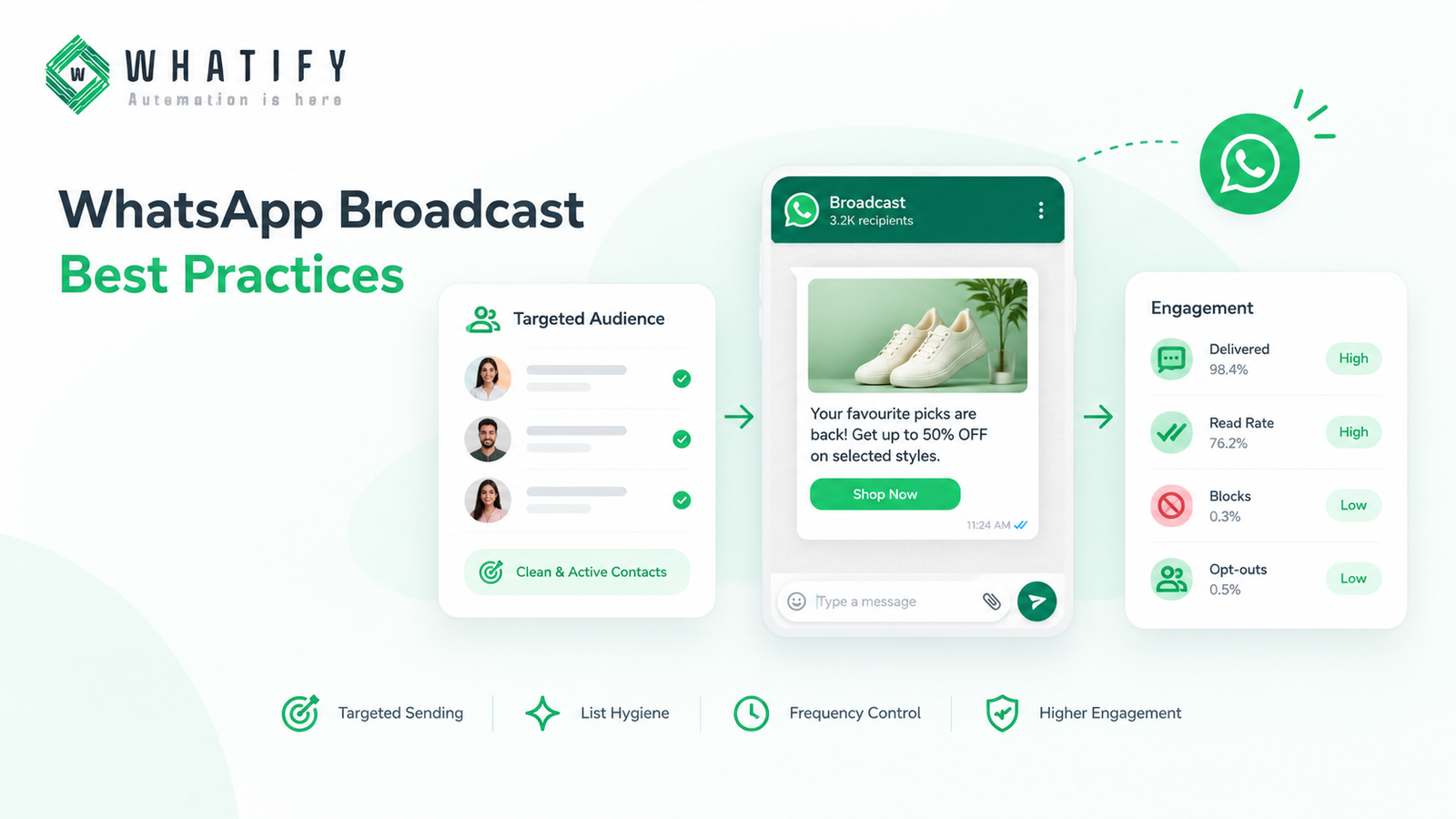
WhatsApp Business API: Has no such ceiling. You can run marketing campaigns to your full customer base in one send, using Meta-approved templates.
6. Verification and Trust Signals
-
WhatsApp Business App: Official verification badges are not available through the standard app.
-
WhatsApp Business API: Blue Tick verification—the official green checkmark businesses look for—is available only through the API. For businesses where customer trust matters (real estate, EdTech, financial services), this is a meaningful difference.
7. Scale of Customer Support
-
WhatsApp Business App: Works when your daily message volume is low—roughly under 20–50 conversations a day handled by one person. Past that point, response times slip, context gets lost between devices, and there's no reporting to show what's working.
-
WhatsApp Business API: Designed for high-volume, multi-team support, with conversation tracking, analytics, and reporting built in—so you know exactly how customers are being served.
When Should You Switch from App to API?
Move to the API the moment any of these becomes true for your business:
-
You have more than one person handling WhatsApp chats.
-
You want to connect WhatsApp to your CRM or online store.
-
You need to message more than 256 customers at once.
-
You want automated follow-ups, reminders, or a chatbot.
-
You want Blue Tick verification and a professional business badge.
A Note on Switching: Converting a number from the WhatsApp Business App to the API is a one-time, non-reversible process. Plan the transition with a BSP that offers a clean migration path and transparent pricing from day one—so you're not caught off guard by markups after you've already committed.
Quick Comparison Table
| Feature | WhatsApp Business App | WhatsApp Business API |
| Cost | Free | Per-message (Meta) + BSP platform fee (flat with Whatify) |
| Devices/Agents | 1–5 linked devices | Unlimited agents |
| Automation | Greeting/away messages, quick replies only | Chatbots, drip campaigns, CRM-triggered flows |
| CRM/Tool Integration | None | Shopify, Zoho, HubSpot, helpdesks |
| Broadcast Limit | 256 saved contacts | No fixed limit (template-based) |
| Verification | Not available | Blue Tick eligible |
| Best For | Solo owners, freelancers, micro-businesses | Growing SMBs, D2C brands, EdTech, real estate, support teams |
| Setup | Instant app download | Requires BSP like Whatify |
Conclusion
The WhatsApp Business App and the WhatsApp Business API aren't competing products—they're built for different stages of business growth. The App is a great starting point. The API is what lets you scale conversations into a real growth channel, with automation, integrations, and team collaboration the App simply can't offer.
The decision isn't about which is "better"—it's about which one matches where your business is right now, and where it's headed next.
Frequently Asked Questions
The App is a free, single-device tool for small-scale manual chatting. The API is a paid, programmatic platform built for automation, multi-agent teams, and integration with business systems.
No. Meta charges per message delivered, and BSPs like Whatify add a platform fee — ideally a flat, predictable one rather than a per-message markup.
Technically yes, via direct Meta access, but this requires developer resources to build and maintain. Most Indian businesses use a BSP for a ready-to-use dashboard, support, and faster setup.
Yes. Multiple agents can access the same number simultaneously, with conversations assigned automatically.
Blue Tick is WhatsApp's official verification badge, available only to businesses using the WhatsApp Business API through Meta's verification process.
Yes, the API is built for integration with e-commerce platforms, CRMs, and helpdesk tools — something the App cannot do.
Ready to automate your WhatsApp marketing?
Start your 14-day free trial today. No credit card required.
Start Free Trial