Gallabox Alternatives for Indian SMBs
Looking past Gallabox? The questions that actually separate WhatsApp platforms — pricing model, inbox depth, automation ceiling and support — and how to test them.
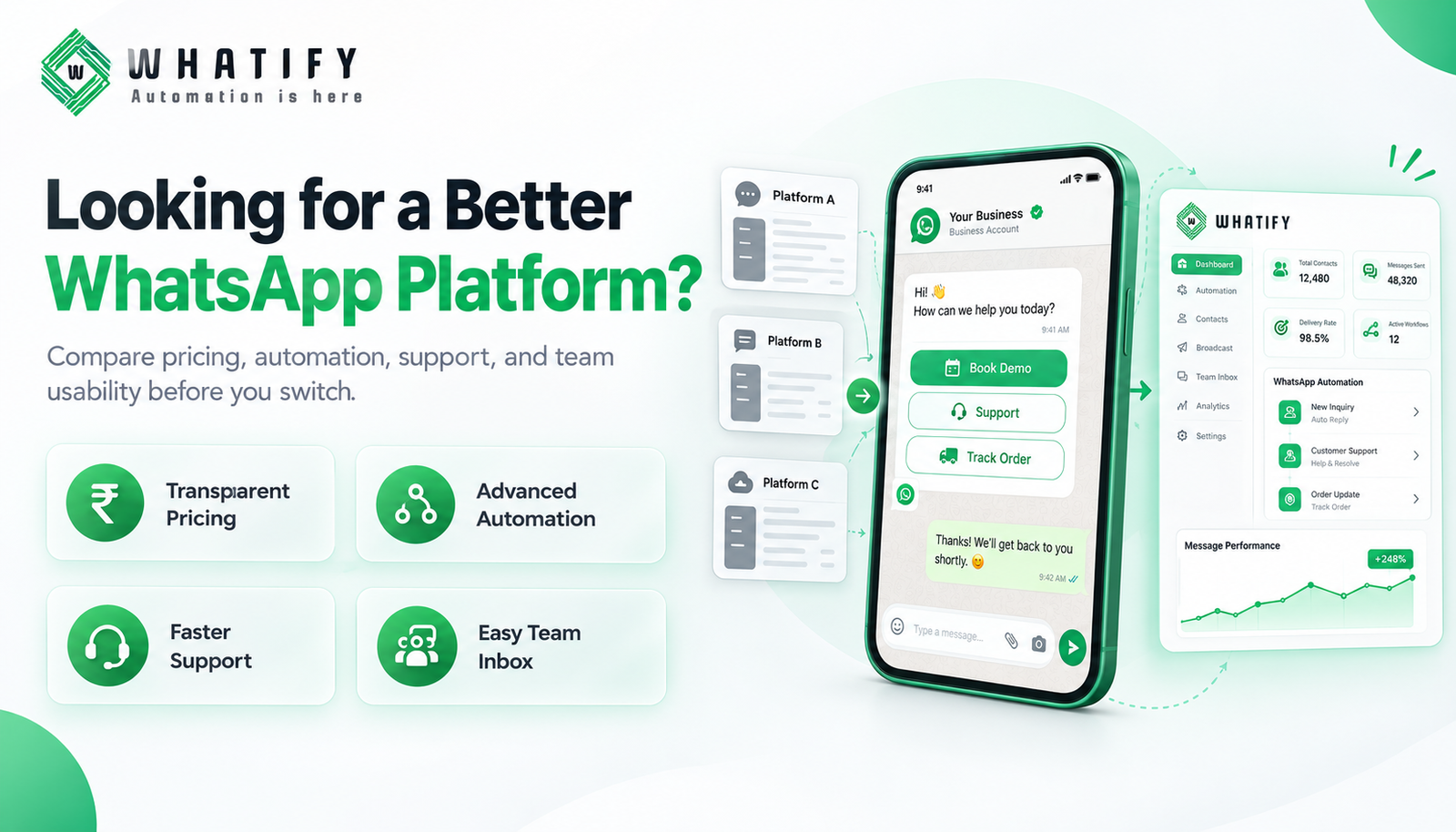
Businesses look for an alternative to their current WhatsApp platform for a small number of recurring reasons: the monthly cost outgrew the value, the automation hit a ceiling, support went quiet, or the team simply never adopted the interface.
Which reason applies to you determines what you should shortlist. Rather than a feature table that will be out of date within weeks, here is how to evaluate the options against your own situation.
Work out why you are actually leaving
Be specific. "It's not great" produces a lateral move to something equally not-great.
|
Your reason |
What to prioritise in a replacement |
|
Cost grew faster than usage |
Transparent pricing; check whether messages are marked up over Meta's rates |
|
Automation hit a ceiling |
Flow builder depth — branching, conditions, API calls mid-flow |
|
Team did not adopt it |
Inbox usability; test with your actual agents, not the founder |
|
Support was slow |
Support channel, hours and response commitment in writing |
|
Integrations missing |
Confirm your specific stack, not "integrations" as a category |
Write your reason down before you look at a single website. It is the only thing that stops a comparison exercise becoming a feature beauty contest.
The four questions that separate platforms
1. How is messaging priced?
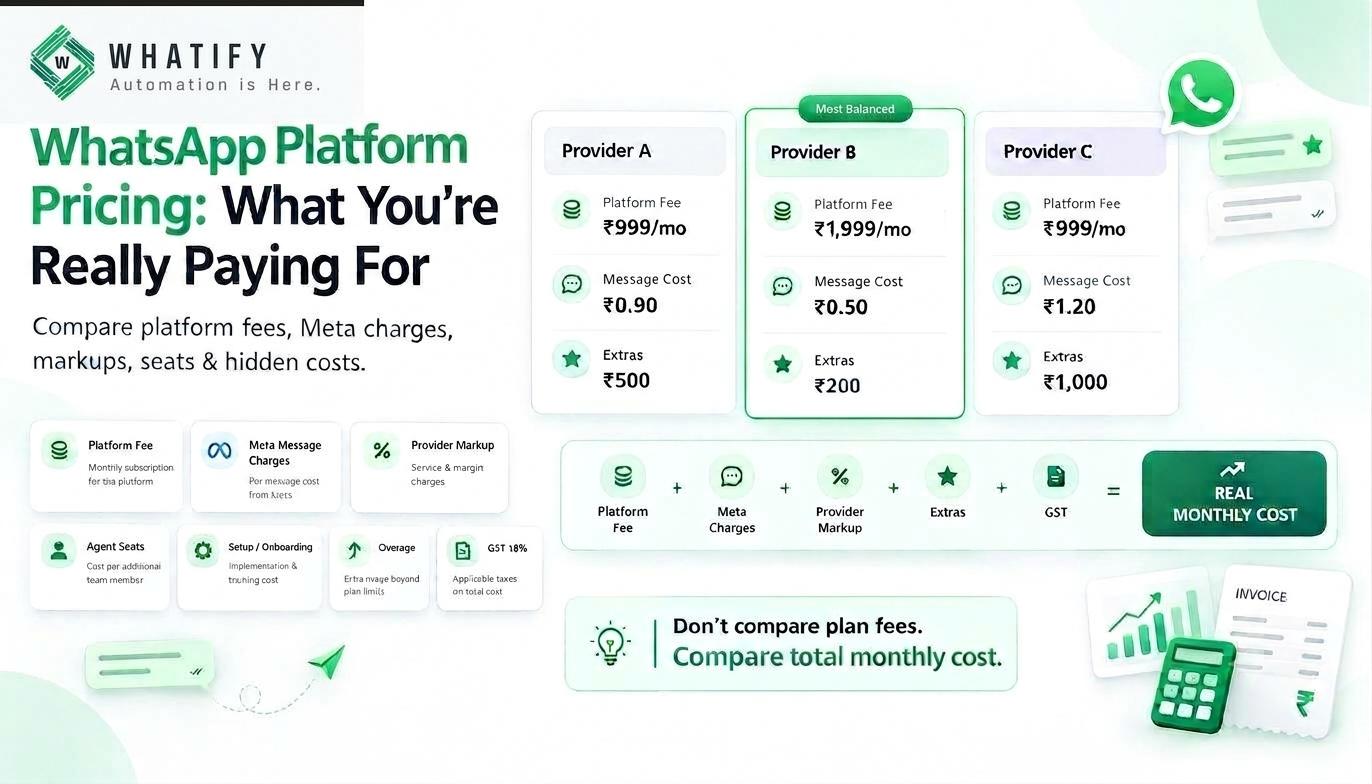
Meta charges per delivered template message by category. Platforms differ in what they add on top. Some pass Meta's charges through and charge a platform fee. Some apply a per-message markup. Some bundle a message allowance into the plan.
None of these is inherently wrong — but they produce very different bills at different volumes. Ask directly: what do I pay per marketing message, per utility message, and what is the platform fee? Then model it at your actual monthly volume, not the volume on the pricing page.
Whatify publishes wallet rates openly — marketing at ₹0.90, utility at ₹0.50 and authentication at ₹0.30 per message, exclusive of GST, alongside plan fees on the pricing page. Our cost per message guide shows how to run the same calculation for any provider.
2. What is the automation ceiling?
Every platform demos a chatbot. The differences appear at the third branch: can a flow call an external API mid-conversation, set and read contact attributes, apply conditional logic on those attributes, and hand over to an agent with full context?
Test this by building your single most complex real flow during a trial. Not a demo flow — the one you actually need.
3. Is the inbox usable by the people who will use it?
Assignment rules, labels, canned replies, contact history visible in the conversation, and mobile access for agents who are not at a desk. The founder evaluating the tool is rarely the person living in it eight hours a day. Put it in front of the agents.
4. What does support look like when something breaks?
Template rejected before a festival campaign, number restricted, integration silently failing — these happen. Ask what channel, what hours, and whether a human is reachable. A platform with excellent features and unreachable support is a risk during exactly the moments that matter.
What tends not to matter
Total feature count. Most SMBs use a fraction of any platform's features. A long list is not an advantage.
AI positioning. Ask what it does in your workflow specifically. If the answer is vague, it is marketing.
Number of integrations advertised. Only yours count. Check Shopify, WooCommerce, your CRM, Google Sheets or webhooks — whichever you actually run.
Switching without downtime
Migrating a WhatsApp number between providers is a real operation, not a settings change.
· Your number moves between platforms; plan for a short interruption
· Templates generally need resubmission on the new platform
· Contact lists and tags export and import, but conversation history often does not
· Your quality rating and messaging tier are attached to the number and the WhatsApp Business Account, not the platform
Plan the switch for a quiet week. Never during a sale, a festival campaign or a product launch. Our guide to messaging limits and tiers explains what carries across.
A two-week trial checklist
Do not evaluate from a demo. Demos are designed to work.
1. Connect your real store or CRM
2. Build your most complex flow
3. Send a real campaign to a small real segment
4. Have two agents work the inbox for three days
5. Raise a genuine support ticket and time the reply
6. Export your data and check what you actually get back
7. Model one month's cost at your real volume
Point 6 matters more than it sounds. A platform that makes leaving difficult is telling you something.
Whatify offers a 14-day free trial with no credit card. Start the trial and run this checklist — including on us.
Other comparisons
We maintain similar evaluations for WATI alternatives and green tick verification for brands weighing platform choice against verification.
EXTERNAL SOURCES
1. Meta — Pricing, WhatsApp Business Platform: the underlying per-message charges every provider builds on. https://developers.facebook.com/docs/whatsapp/pricing
2. Meta — Solution providers: how BSP access works and what stays with the business rather than the provider. https://developers.facebook.com/docs/whatsapp/solution-providers
Frequently Asked Questions
Start with why you are leaving. If cost is the driver, compare pricing models and check whether messages are marked up over Meta's rates. If automation is the driver, test flow builder depth. If adoption failed, put the inbox in front of your actual agents before deciding.
Ask three questions of each provider — the per-message rate for marketing, the rate for utility, and the platform fee — then model the total at your real monthly volume including GST. Pricing-page examples usually assume volumes that flatter the plan being sold.
Yes. The number, the WhatsApp Business Account, your quality rating and your messaging tier stay with you rather than with the platform. Expect a short interruption during migration, plan to resubmit templates, and schedule the move for a quiet week rather than a campaign period.
Usually yes. Contacts and tags typically export and import cleanly, but conversation history often does not transfer between platforms. Export whatever you can before cancelling, and check what a provider lets you take out before you commit to it.
No. Quality rating and messaging limits are attached to your phone number and WhatsApp Business Account at Meta's level, not to the software you use. Switching platforms neither repairs a damaged rating nor resets a low messaging tier.
Two weeks with real usage — a connected store or CRM, your most complex flow built, one real campaign sent, two agents working the inbox, and a genuine support ticket raised and timed. A demo shows the product working; a trial shows how it behaves with your data.
Ready to automate your WhatsApp marketing?
Start your 14-day free trial today. No credit card required.
Start Free Trial