How to Choose a WhatsApp API Provider: 9 Checks
Nine checks that separate a provider you will still be happy with next year — BSP status, pricing structure, automation depth, support reality and exit terms.
The WhatsApp platform market in India is crowded and the products look similar in a demo. They differ in ways that only surface after three months — usually in the bill, in support response, or when you try to leave.
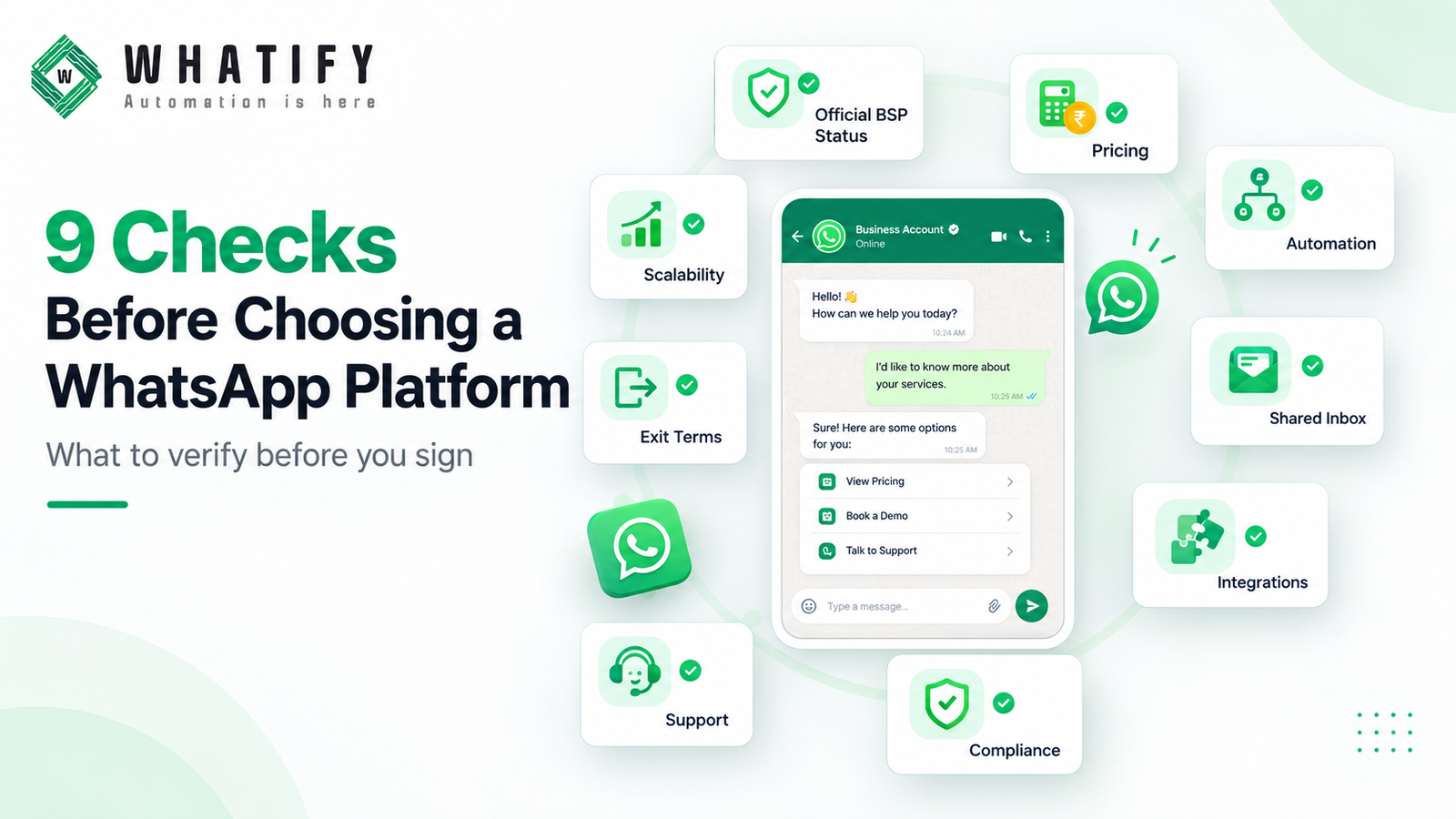
These nine checks surface those differences before you sign.
1. Official BSP status
Access to the WhatsApp Business Platform runs through Meta's solution provider structure. Confirm the provider is an official Business Solution Provider and ask how they provision your WhatsApp Business Account.
This matters because it determines whether your WABA sits under your own Meta business portfolio or theirs, which in turn determines how easily you can leave. Ask explicitly: will the WhatsApp Business Account be owned by my business portfolio?
Whatify is an official BSP. It is a reasonable question to put to any provider in the same terms.
2. Pricing structure, not headline price
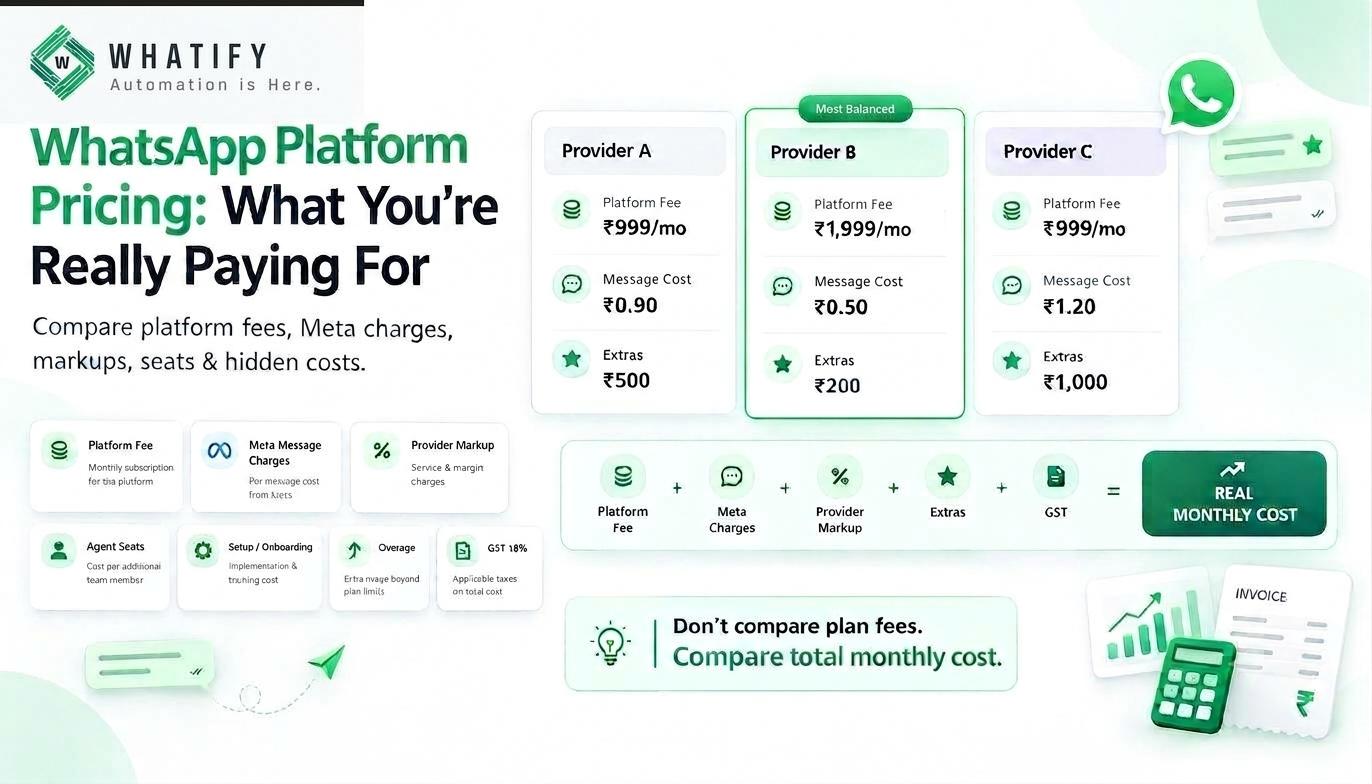
Four components: platform fee, Meta's per-message charge, any provider markup, and extras. Normalise every quote to a single monthly number at your real volume, including GST.
Our pricing comparison method sets out the formula and the six charges that sit outside the plan fee.
3. Automation depth
Every platform demos a chatbot. Differences appear at the third branch. Check whether flows can:
· Branch on conditions
· Set and read contact attributes
· Call an external API mid-conversation
· Trigger from external events, not just keywords
· Hand over to an agent with full context
Test by building your most complex real flow during a trial. Our chatbot flow examples give a benchmark for what a useful flow looks like.
4. Inbox quality
If your team will not use it, nothing else matters. Check assignment rules, labels, canned replies, contact history in-conversation, and mobile access. Then put it in front of two agents for three days. Adoption failure is the most common reason a platform is replaced within a year — see our guide to shared team inbox setup.
5. Your specific integrations
Not the integration count. Name your systems — Shopify, WooCommerce, your CRM, Google Sheets, your payment gateway — and confirm each one individually. Ask whether the integration is native or requires middleware, because middleware is another subscription and another failure point.
If you need something unusual, check API and webhook access rather than hoping for a native connector.
6. Compliance and account health tooling
Under-asked and important. Does the platform show you:
· Quality rating per number
· Current messaging tier and usage against it
· Template status including pauses
· Delivery and block data per campaign
Without this you find out about a problem when sending stops. Our guides to messaging limits and quality rating recovery explain why the visibility matters.
Also confirm consent record handling, given India's data protection obligations phasing in — see DPDP consent records.
7. Support, tested rather than described
Every provider claims good support. Test it: raise a real ticket during the trial and time the response. Ask what hours support covers in IST, which channels are available, and whether a human is reachable when a number gets restricted the morning of a campaign.
8. Exit terms
Ask before joining, not when leaving:
· Can I export contacts, tags and conversation history, and in what format?
· What is the notice period?
· Is there any charge to migrate my number away?
· Does my WABA remain under my portfolio?
A provider that makes leaving difficult is telling you how confident it is in retaining you on merit.
9. Fit for your stage
Match the provider to where you are, not to the largest business in the case studies.
|
Stage |
Priority |
|
Testing the channel |
Free tier or short trial, monthly billing, no setup fee |
|
Under ~10,000 messages/month |
Low plan fee, simple automation, quick setup |
|
10,000–100,000/month |
Per-message rates, automation depth, quality tooling |
|
Above that, or multi-brand |
Multi-number support, API access, dedicated support |
Enterprise features you will not use for two years are not a reason to pay more today.
A short evaluation process
1. Write down your volume, seats and required integrations
2. Shortlist three providers
3. Send the pricing questions in writing
4. Trial the top two with real data for two weeks
5. Build your hardest flow in each
6. Raise a support ticket in each and time it
7. Model twelve months of cost at current and double volume
8. Check exit terms before deciding
Two weeks of genuine testing costs less than a year on the wrong platform.
Whatify is an official BSP with INR billing, published wallet rates, a visual flow builder, shared inbox and a 14-day free trial with no credit card. Run these nine checks on us and on everyone else you are considering.
EXTERNAL SOURCES
1. Meta — Solution providers, WhatsApp Business Platform: BSP structure, WABA provisioning and ownership. https://developers.facebook.com/docs/whatsapp/solution-providers
2. Meta — Pricing: the per-message charges common to every provider. https://developers.facebook.com/docs/whatsapp/pricing
3. Meta — Messaging limits: the account-level metrics a platform should surface. https://developers.facebook.com/docs/whatsapp/messaging-limits/
Frequently Asked Questions
Nine things: official BSP status and WABA ownership, full pricing structure at your real volume, automation depth, inbox usability with your agents, your named integrations, account health tooling, tested support response, exit and data export terms, and fit for your current stage rather than a future one.
It determines how easily you can change providers. If your WhatsApp Business Account sits under your own Meta business portfolio, moving is straightforward. If it sits under the provider's, leaving is harder. Ask explicitly whether the account will be owned by your business portfolio.
Build your single most complex real flow during the trial rather than following a demo. Check whether flows can branch on conditions, read and set contact attributes, call an external API mid-conversation, trigger from external events, and hand over to an agent with full context.
Visibility of quality rating per number, current messaging tier and usage against it, template status including any pauses, and per-campaign delivery and block data. Without these you discover a problem only when sending stops, by which point recovery takes longer.
Whether you can export contacts, tags and conversation history and in what format, the notice period, whether any charge applies to migrate your number away, and whether your WhatsApp Business Account remains under your own portfolio. Ask these before signing, not at the end.
About two weeks of real testing across two shortlisted providers — real data connected, your hardest flow built in each, a support ticket raised and timed in each, and twelve months of cost modelled at current and double volume. That is far cheaper than a year on the wrong platform.
Ready to automate your WhatsApp marketing?
Start your 14-day free trial today. No credit card required.
Start Free Trial